
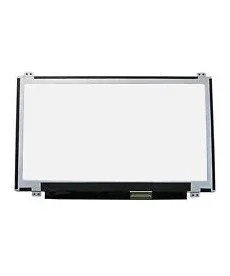
14.0 Lenovo Laptop Screen
At FGEE Technology, we see hundreds of customers every month looking for either a new laptop or a screen replacement. To help you make the right choice, we’ve broken down the essentials of modern display technology in 2026.
1. Resolution: Beyond “Just Clear”
In 2026, Full HD (1920 x 1080) is the bare minimum you should accept. However, your work dictates if you need more:
Full HD (1080p): Perfect for office work, students, and general browsing. Most our HP EliteBook and Dell Latitudes come standard with this.
QHD / 2K: The “sweet spot” for programmers and creators who need more workspace without the high price of 4K.
4K Ultra HD: Essential for professional video editors and high-end photographers. Warning: 4K screens consume battery faster!
2. Panel Types: IPS vs. OLED vs. TN
The “Panel” is the actual technology behind the glass.
IPS (In-Plane Switching): The best all-rounder. It offers great colour accuracy and wide viewing angles (the screen doesn’t look “washed out” when viewed from the side).
OLED: The king of contrast. Pixels can turn off completely for “true blacks.” Ideal for movie buffs and top-tier designers. (Available in our premium ASUS Zen Book and MacBook Pro ranges).
TN: Found in budget or older models. They are fast but have poor colours. We usually recommend upgrading to IPS if your budget allows.
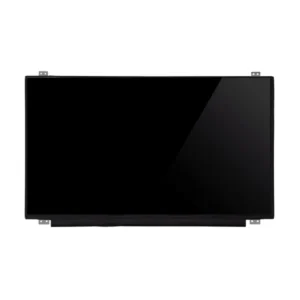
3. The “Refresh Rate” Secret
If you’ve ever noticed your mouse cursor “ghosting” or games feeling laggy, your refresh rate might be low.
60Hz: Standard for office work.
120Hz – 144Hz+: Critical for gaming. A higher refresh rate makes motion look buttery smooth. If you are eyeing a Victus or ROG Zephyrus at our store, always check for 144Hz!
4. Glossy vs. Matte (Anti-Glare)
Matte Screens: Best for Kenyan offices with bright overhead lights or working near windows. They diffuse reflections.
Glossy Screens: Often found on touchscreens and MacBook. Colours look more “vibrant,” but they can act like a mirror in direct sunlight.

Leave a comment